路由器安全
RouterSploit
- usage:
Crack Router Password
There are several methods that hackers commonly use to crack wireless router passwords. Understanding these methods can help you identify potential vulnerabilities in your network security and take proactive measures to protect yourself. Let’s take a closer look at these common methods:
- Brute Force Attacks: Brute force attacks are a straightforward yet time-consuming method used to crack passwords. Hackers use software to systematically try every possible combination of characters until they find the correct password. This method can be effective against weak passwords that are short in length or use common dictionary words.
- Dictionary Attacks: In dictionary attacks, hackers use specialized software to try a list of commonly used words or phrases as potential passwords. This method is effective against users who use easily guessable passwords, such as common words or phrases, names, or dates. Hackers leverage existing dictionaries and wordlists to automate the process and increase the chances of success.
- Exploiting Router Vulnerabilities: Wireless routers, like any other technology, can have vulnerabilities that hackers can exploit to gain unauthorized access. These vulnerabilities can occur due to outdated firmware, software bugs, or misconfigurations. Hackers exploit these weaknesses by deploying specialized tools or techniques to bypass the router’s security measures and gain access to the network.
- Using WPS (Wi-Fi Protected Setup) Attacks: Wi-Fi Protected Setup is a feature present in many routers that simplifies the process of connecting devices to a wireless network. However, it can also be an avenue for attackers to crack the router’s password. By exploiting vulnerabilities in the WPS implementation, hackers can gain unauthorized access to the network without needing to crack the actual Wi-Fi password.
reference to:https://robots.net/tech/how-to-crack-wireless-router-passwords/#:~:text=Introduction.%20Wireless%20routers%20have%20become%20an
Brute Force Attacks&Dictionary Attacks
hydra
single username/password
Let’s start with a simple attack. If we have the username and password that we expect a system to have, we can use Hydra to test it.
Here is the syntax:
Let’s assume we have a user named “molly” with a password of “butterfly” hosted at 10.10.137.76. Here is how we can use Hydra to test the credentials for SSH:
Perform a Password Spraying Attack
What if we know a password that someone is using, but we are not sure who it is? We can use a password spray attack to determine the username.
A password spray attack is where we use a single password and run it against a number of users. If someone is using the password, Hydra will find the match for us.
This attack assumes we know a list of users in the system. For this example, we will create a file called users.txt with the following users:
Now we are going to test who has the password “butterfly”. Here is how we can run a password spray attack using Hydra.
Perform a Dictionary Attack
Let’s look at how to perform a dictionary attack. In real-world scenarios, this is what we will be using Hydra regularly for.
A dictionary attack is where we have single/multiple usernames and we provide a password wordlist to Hydra. Hydra then tests all these passwords against every user in the list.
I am going to use the Rockyou wordlist for this example along with the users.txt file we created in the previous attack. If you are using Kali Linux, you can find the RockYou wordlist under /usr/share/wordlists/rockyou.txt.
Here is the command for a dictionary attack:
Use the Verbosity and Debugging Flags
Hydra can be awfully quiet when running large brute-force attacks. If we have to make sure Hydra is doing what it is expected to do, there are two flags we can use.
The verbosity (-v) flag will show us the login attempt for each username/password combination. This can be a bit much when there are a lot of combinations to go through, but if it is something you need, we can use the verbosity flag.
Here is a sample result. We can see that Hydra prints information about failed attempts in addition to the successful matches.

Save Your Results
Let's look at how to save results. There is no point in spending hours cracking a password and losing it due to a system crash.
We can use the -o flag and specify a file name to save the result. Here is the syntax.
resume attacks
If Hydra’s session exits when an attack is in progress, we can resume the attack using the -R flag instead of starting from scratch.
use custom ports
Sometimes system administrators will change the default ports for service. For example, FTP can run in port 3000 instead of its default port 21. In those cases, we can specify ports using the -s flag.
attack multiple hosts
What if we have multiple hosts to attack? Easy, we can use the -M flag. The files.txt will contain a list of IP addresses or hosts instead of a single IP address.
Targeted combinations
If we have a list of usernames and passwords, we can implement a dictionary attack. But if we have more information on which usernames are likely to have a set of passwords, we can prepare a custom list for Hydra.
For example, we can create a list of usernames and passwords separated by semicolons like the one below.
We can then use the -C flag to tell Hydra to run these specific combinations instead of looping through all the users and passwords. This drastically reduces the time taken to complete a brute-force attack.
Here is the syntax.
We have seen how to work with Hydra in detail. Now you should be ready to perform real-world audits of network services like FTP, SSH, and Telnet.
Brute-Force Web-based Login
Supported services: adam6500 asterisk cisco cisco-enable cobaltstrike cvs firebird ftp[s] http[s]-{head|get|post} http[s]-{get|post}-form http-proxy http-proxy-urlenum icq imap[s] irc ldap2[s] ldap3[-{cram|digest}md5][s] memcached mongodb mssql mysql nntp oracle-listener oracle-sid pcanywhere pcnfs pop3[s] postgres radmin2 rdp redis rexec rlogin rpcap rsh rtsp s7-300 sip smb smtp[s] smtp-enum snmp socks5 ssh sshkey svn teamspeak telnet[s] vmauthd vnc xmpp
can use http[s]-{head|get|post} http[s]-{get|post}-form model
Tip
对于无加密传输的登录页面可以直接使用,当遇到有加密的页面需要分析加密方式
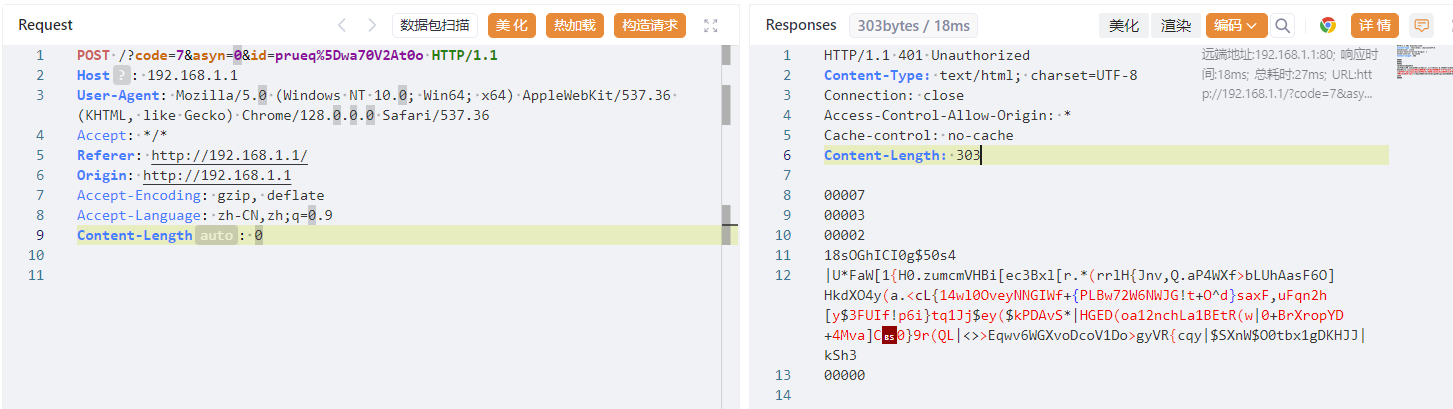
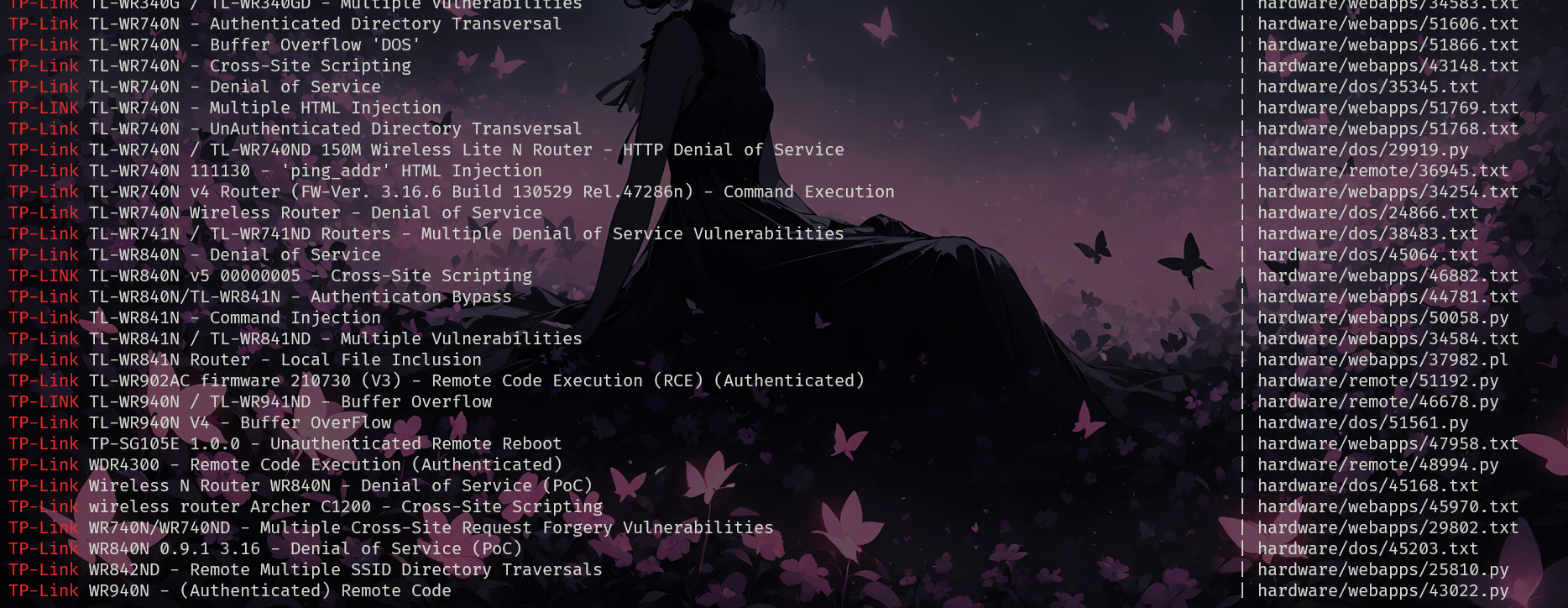
Exploiting Router Vulnerabilities
How can I be secure from the router hacks?
Most people set up routers once in their life and forget about them completely. They fail to change the default settings of the routers. Even educated network administrators tend to do this due to laziness.
I will write an in-depth article on how to protect your network from hackers pretty soon.
But you can do the following in the short term
- Update router firmware
- Disable WPS pin
- Enable wpa2 security
- Choose strong passwords
- Stop SSID broadcast
- Use mac filters